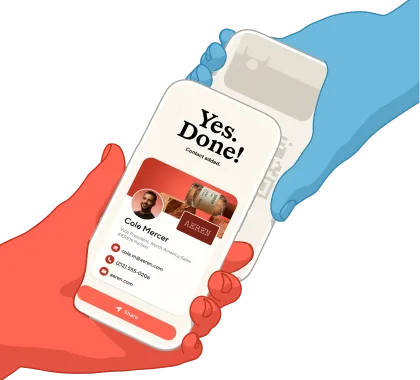
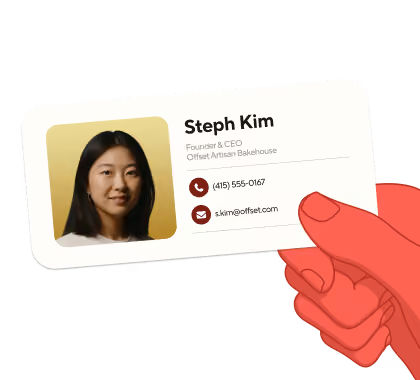
Turn your Blinq digital business card into a branded virtual meeting background, so every video call doubles as a chance to share who you are. One click to download, instant team-wide rollout.
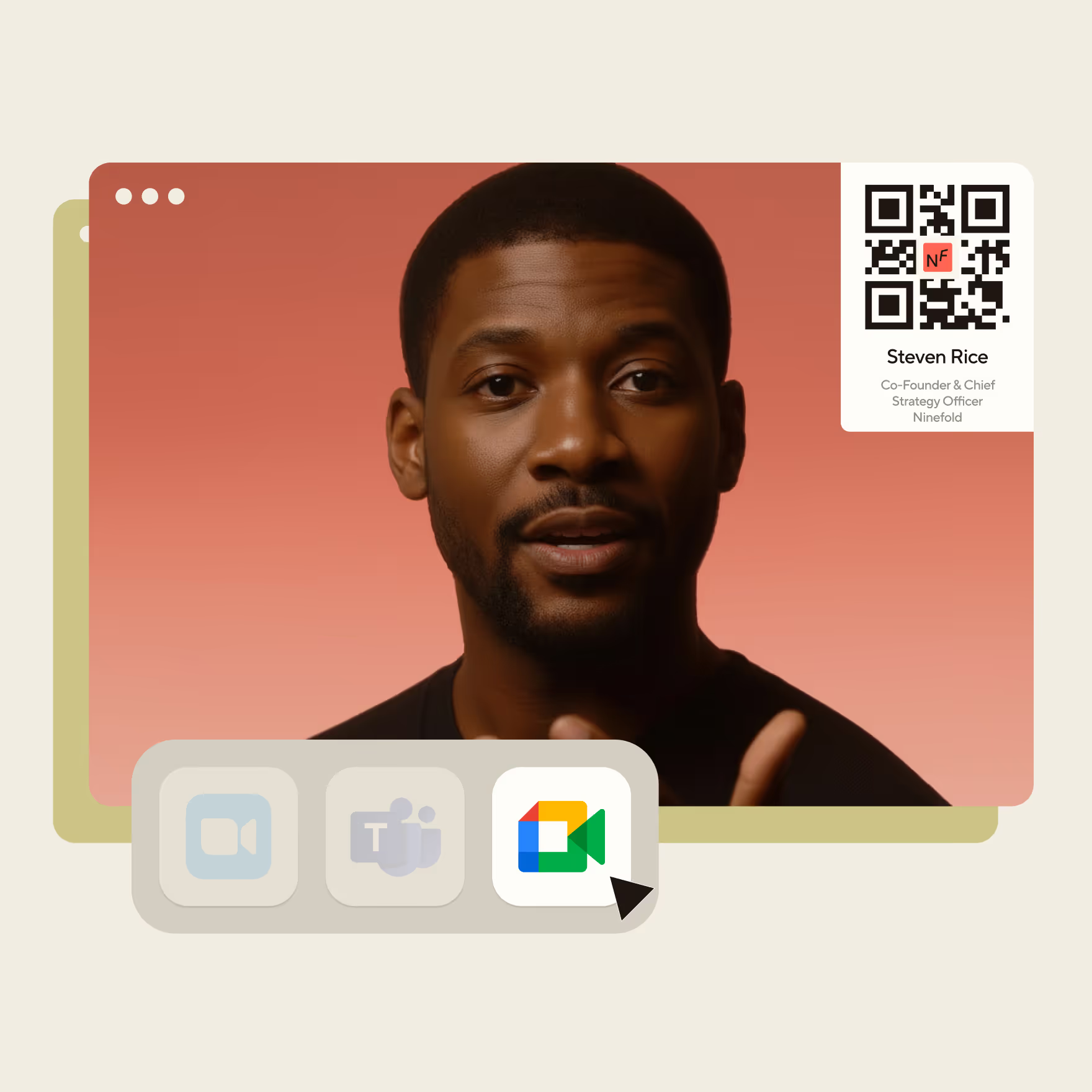
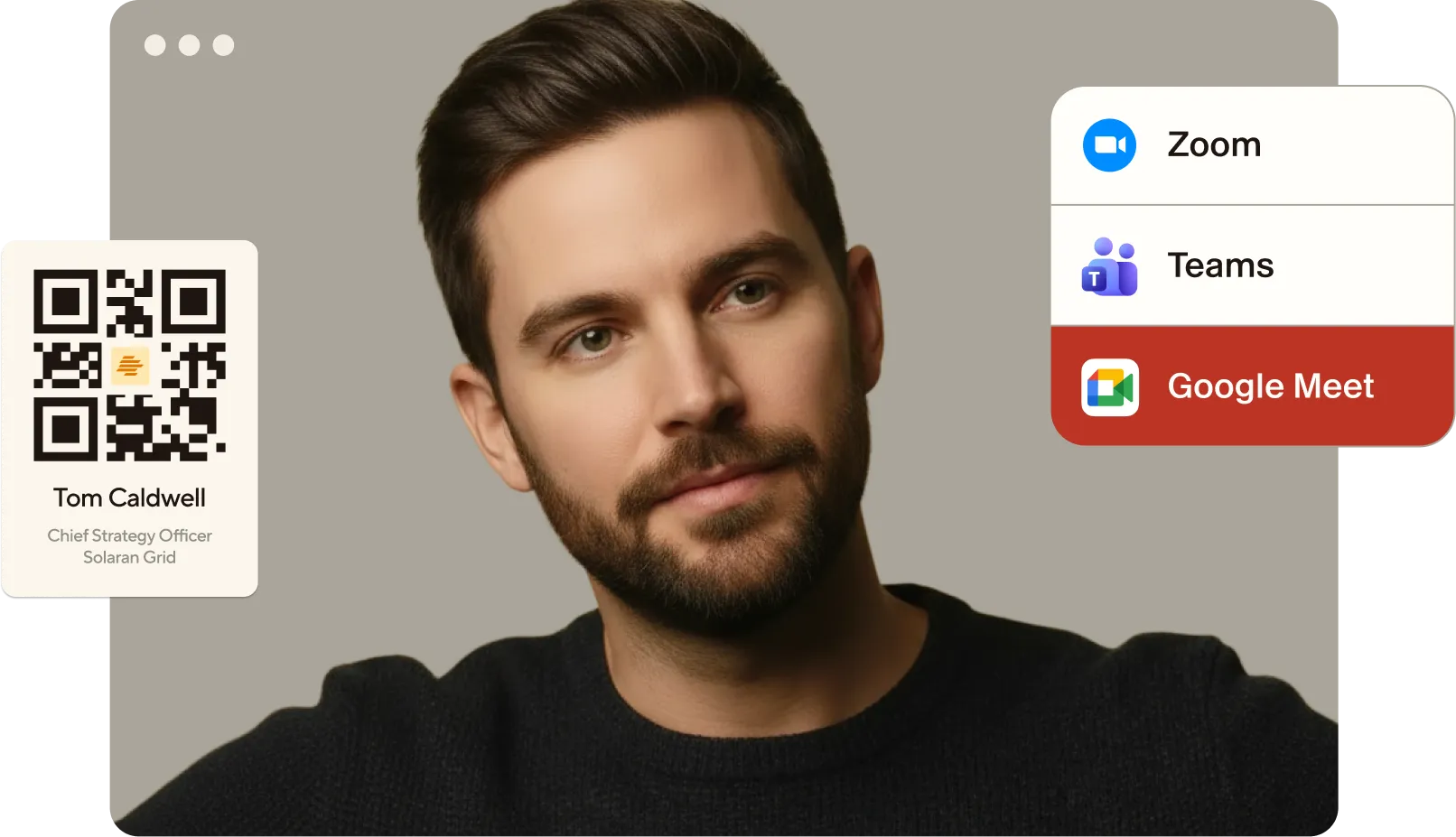
Use your virtual background as your digital business card – with a QR code that makes it effortless for anyone to save your contact details and share their own. Works on Zoom, Teams, Google Meet, Webex and more.
1.
Choose an image from the Blinq library, or upload your own. Set the size of your Blinq QR code and you’re done.
2.
Download your background image, with the QR code automatically embedded and ready for use.
3.
Add your background to Zoom, Teams, Google Meet, Webex and more – ready for your next meeting.
4.
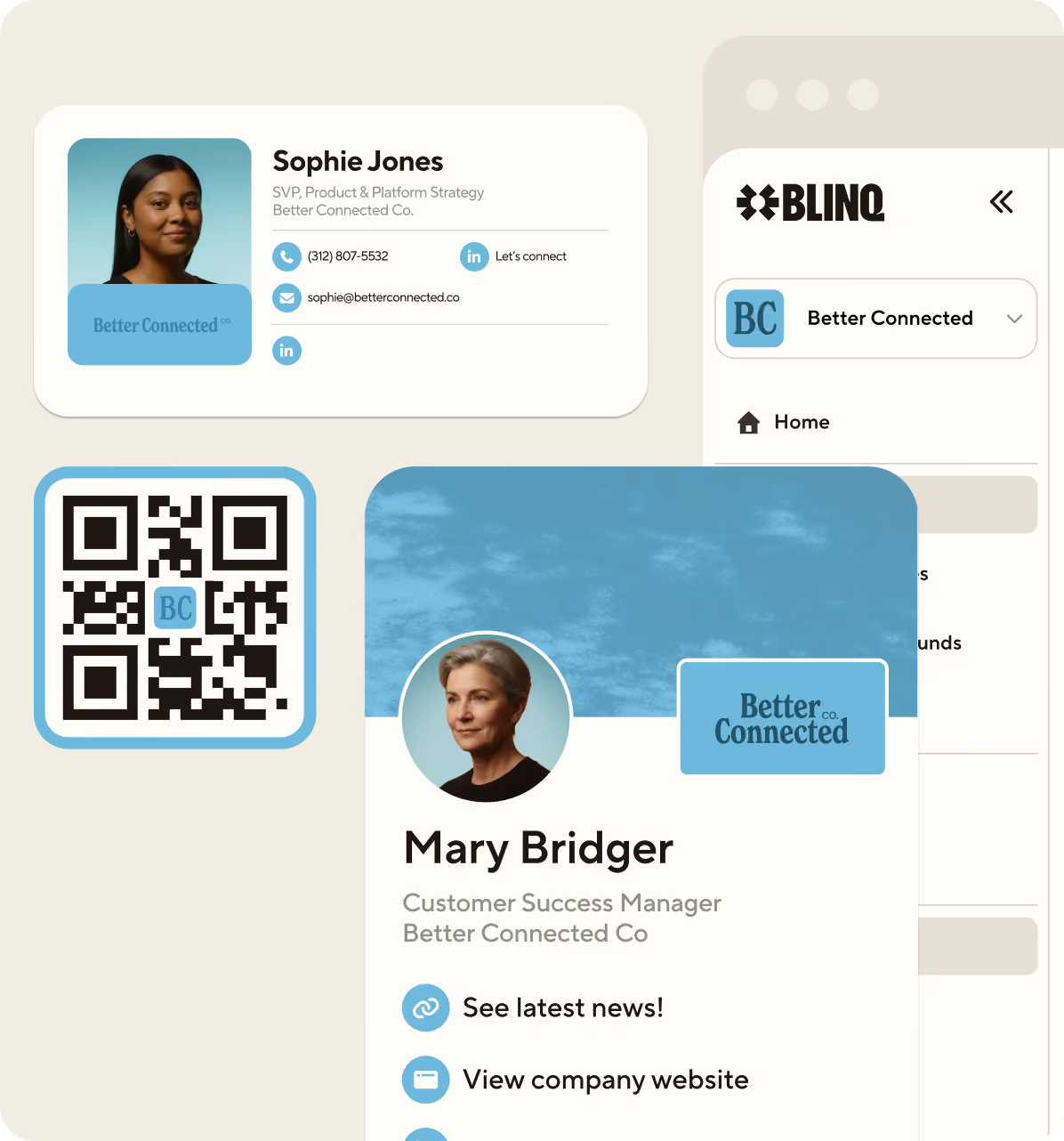
Don’t keep it to yourself. Create virtual backgrounds for the whole team with Blinq Business.
Give everyone branded backgrounds that make it effortless to capture leads and exchange contacts on video calls. Create backgrounds with custom admin controls that scale across the organization, so everything’s always up to date.

Create a background for each of your Blinq cards and be ready with the right details at the right time. Sales call? Give them your direct line. Web conference? Limit it to socials. Whatever it is, Blinq gives you total control.

Virtual backgrounds are free and come with every Blinq card. All you need to do to access your virtual background is log into Blinq on your computer and access the Virtual Backgrounds menu item from the dashboard.
Your virtual background can be created from your Blinq dashboard, accessible via your computer. Pick the Blinq card you want to create a virtual background for and your QR will automatically be added to the top corner. Upload your own background or use one of ours and you're ready to go. All you need to do is download the background and add it to your virtual meeting tool, or slide deck, and you are ready to go.
Virtual backgrounds can be used on all major video conferencing tools, including Zoom, Google Meet, Microsoft Teams and Webex. Our customers also love using them in slide deck presentations, where they can be used as an introduction slide when presenting.
Setting up virtual backgrounds for your team is easy. Sign up for Blinq Business, where you can create and manage your team's virtual backgrounds all from one place and customize them with your branding. Check out our Blinq Business subscription for more details.
.avif)