.avif)








Free email signature generator
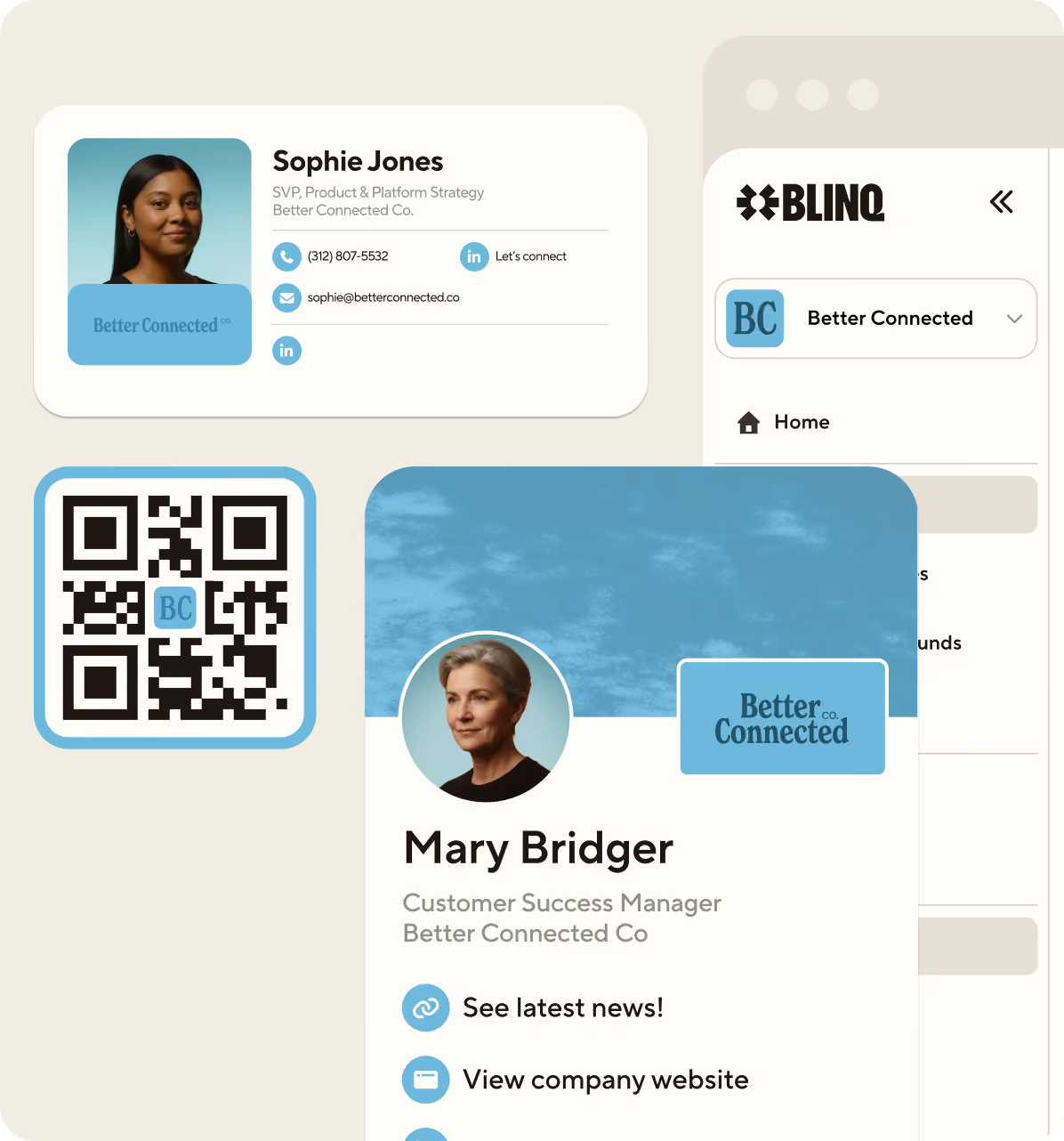
Create a professional email signature using Blinq so new connections get your details in one click.


4 million people in
500K companies use Blinq
















Create, publish, and manage email signatures

Easy to set up
Ready-to-use email signature templates
Professional, on brand email signatures for you and your team. Built fast, shared easily, and saved straight to any device.

Create your signature
in minutes
Straight to their
contact book

Stay consistent across
your team
How it works
How to create a professional email signature in minutes
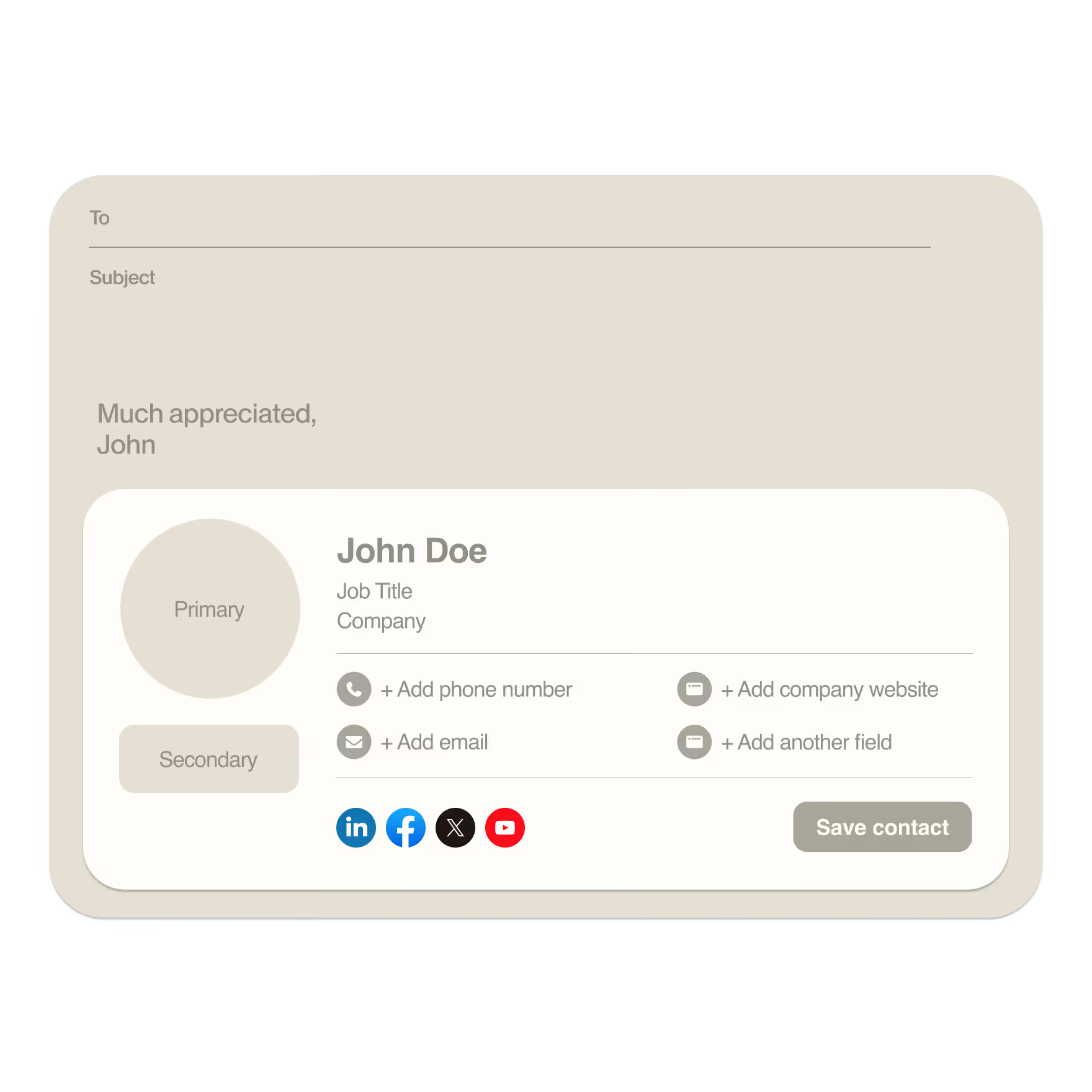
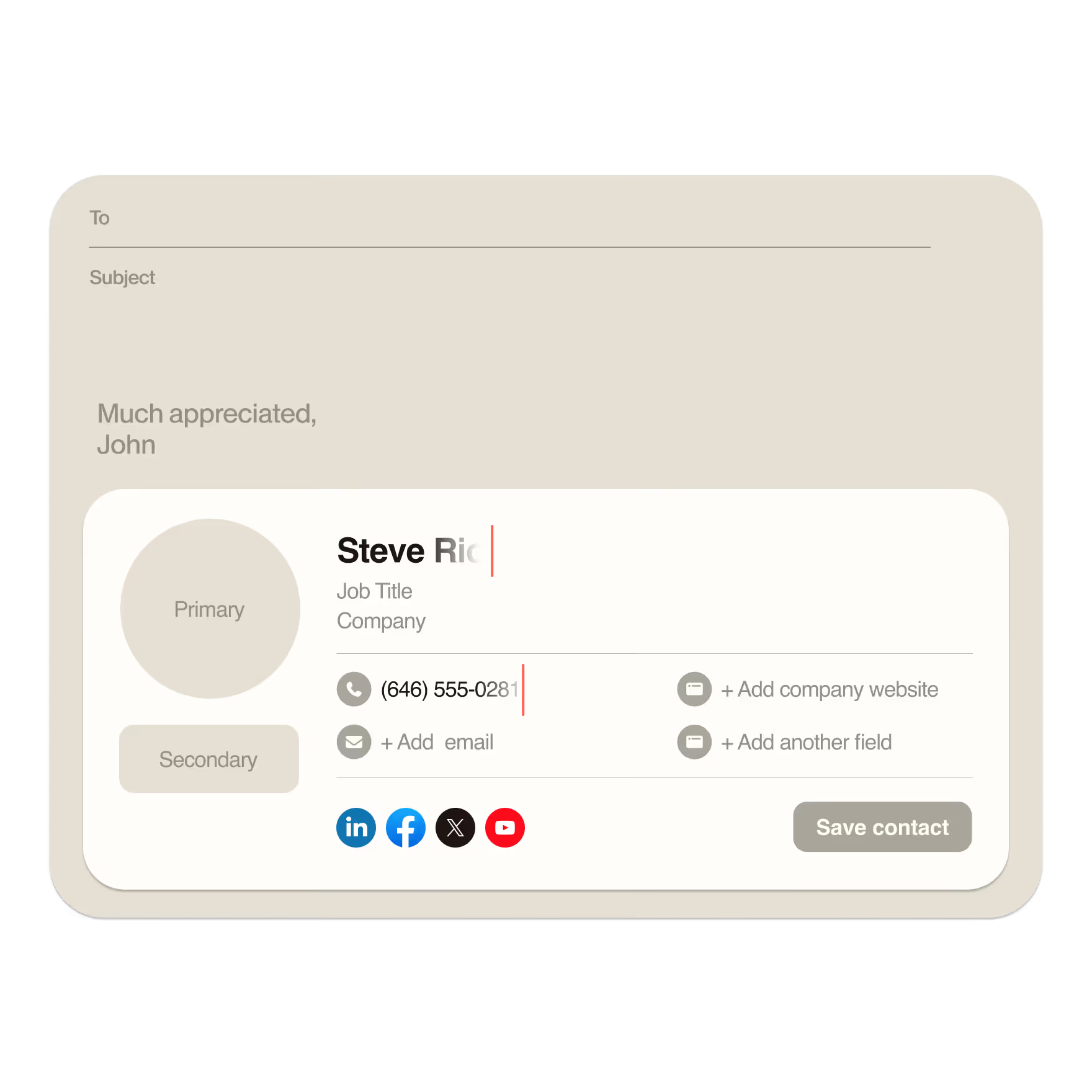
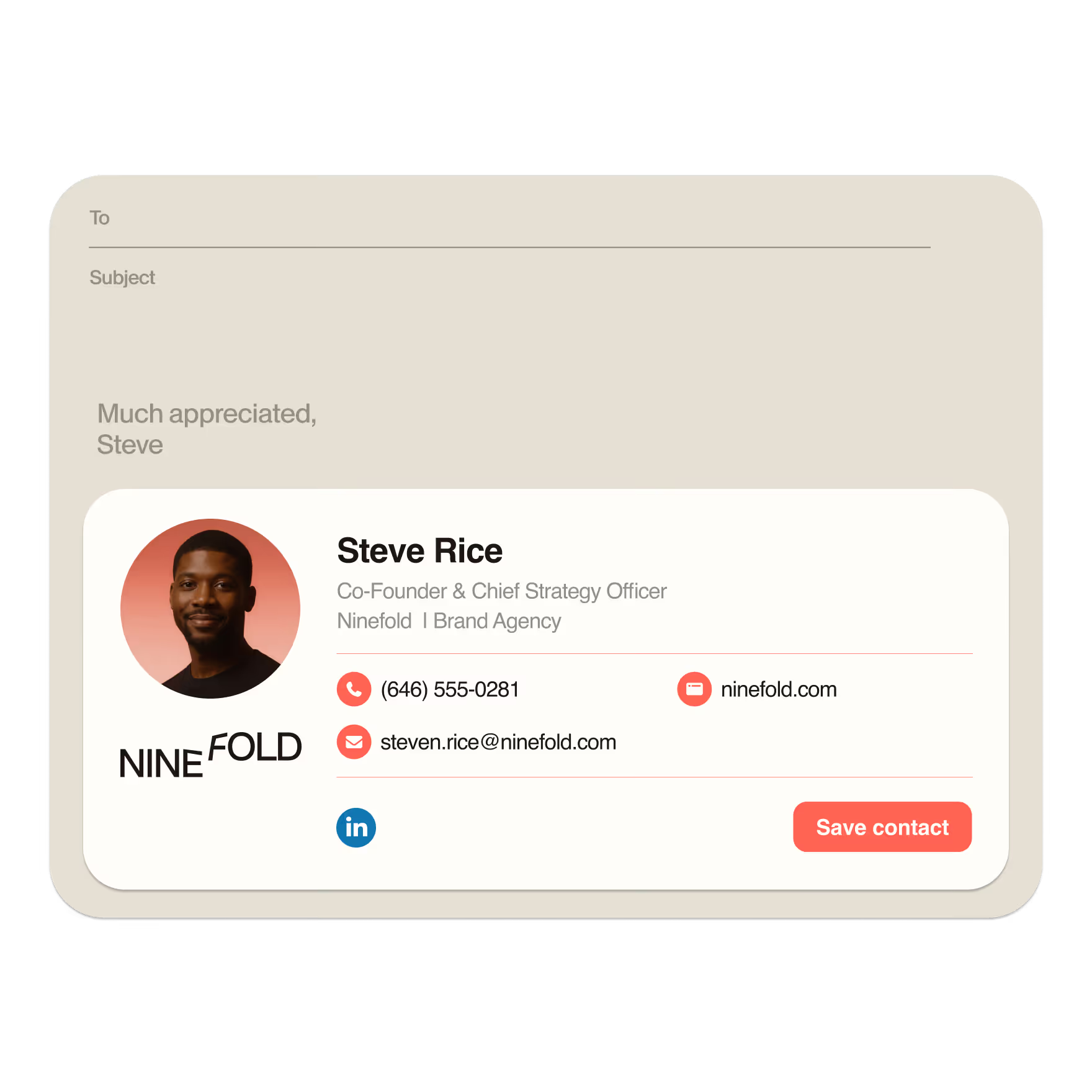

From ultra minimal to packed with links, there’s a Blinq email signature to fit your needs.
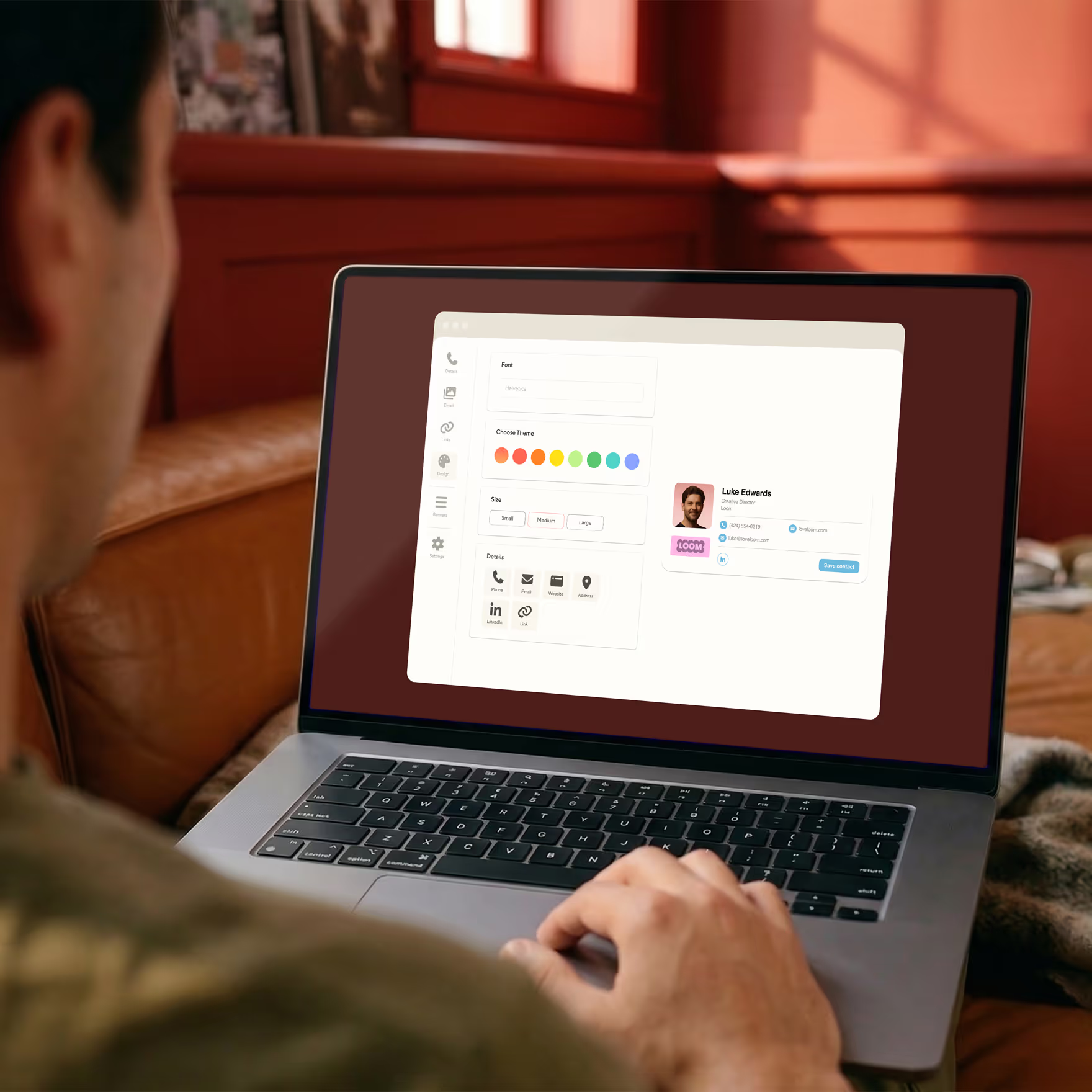
Choose exactly what you want to share in your email signature, with space for everything from essential contact to all your socials.
Match the fonts, colours and logo to your brand - all for free - and make your email signature work hard for your business.
Copy your email signature into your email provider and you’re good to go.
Integrations
Works with major email providers
Your professional email signature should work wherever you do. Blinq makes it simple to connect your signature with the email platform you already use, so every message you send looks polished and consistent.
Easy to set up
Connect your account in seconds and apply your signature across all devices. No complicated steps required.
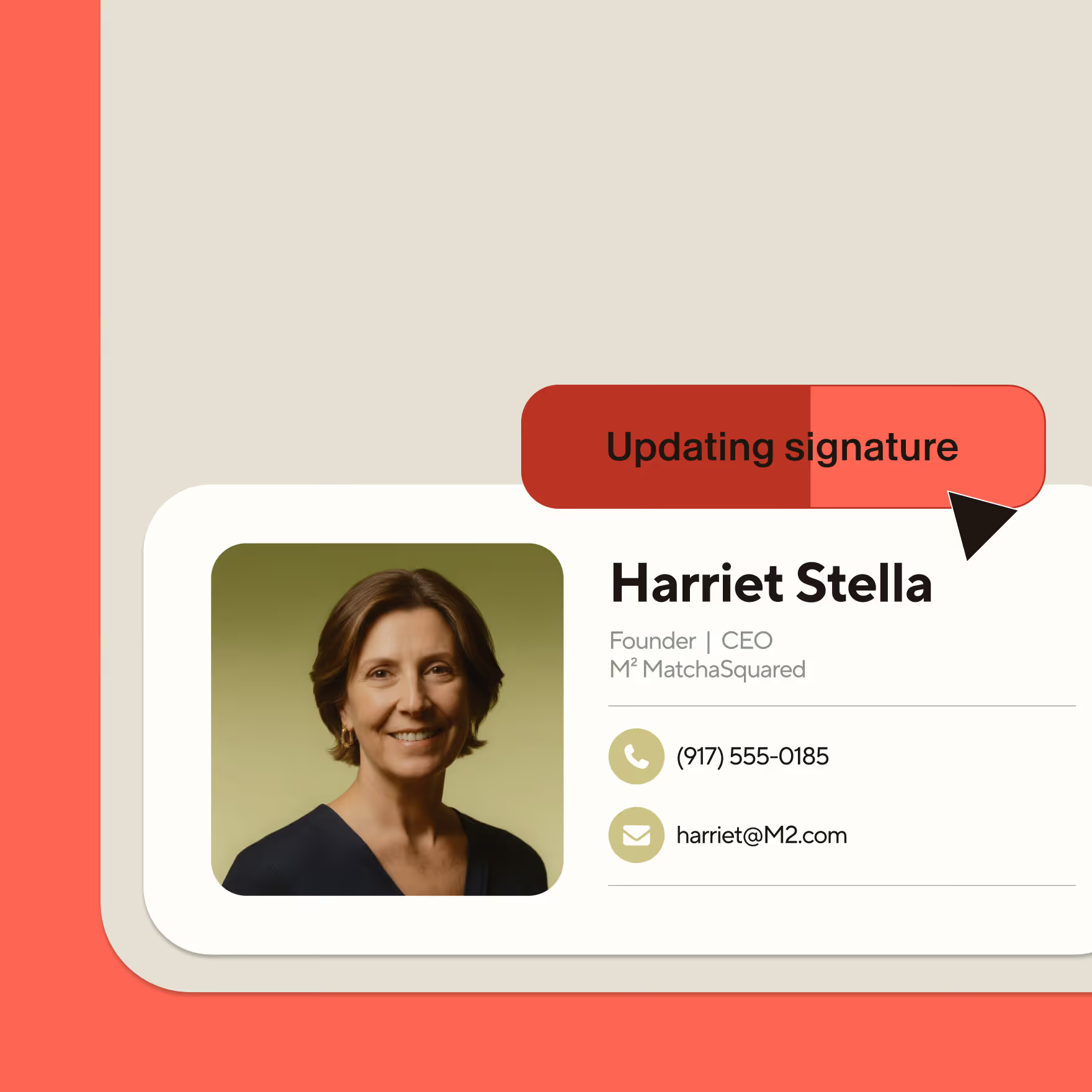
Always up-to-date
Update your details once in Blinq, and they’ll automatically reflect in every email.
For teams
Email signature manager for teams
Create a professional email signature template with your company's logos, colors, and details using Blinq. You can manage all email signatures in one place, update them instantly, and set your team up in minutes.

More than just email signatures
From emerging teams to industry leaders, over 7,500 companies rely on Blinq Business to make stronger first impressions and remember every connection.
Once you've set up your email signature, create digital business cards for you and your team to elevate your brand, generate more revenue, and save time on operational costs.

Frequently asked questions
What is an email signature?
An email signature is the block of contact information you add at the end of your emails. It usually includes your name, job title, company, phone number, and links you want people to use.
How do I make a professional email signature?
To make a professional email signature, keep it simple, include your key contact details, add a logo or headshot, and use clean formatting. Avoid long quotes or images that take too long to load.
What makes a good email signature?
A good email signature is clean, easy to read, mobile-friendly, and includes only the most important details. Strong signatures use clear formatting, branded visuals, and links that help people contact you quickly.
How do I change my email signature in Outlook?
You can change your signature in Outlook by opening Settings, selecting Mail, then choosing Signatures. From there you can paste in your updated HTML signature from Blinq.
For more in-depth instructions, view our step-by-step guide to adding a Blinq email signature to Outlook.
How do I add an email signature to Gmail?
You can update your signature in Gmail by opening Settings, scrolling to the Signature section, and pasting in your new signature. Blinq gives you a ready-to-use HTML version you can drop in.
For more in-depth instructions, view our step-by-step guide to adding a Blinq email signature to Gmail.
How do I add an email signature to Apple Mail?
You can change your Apple Mail signature by opening the Mail app, choosing Settings, selecting Signatures, and adding or editing your signature. Blinq gives you a formatted HTML version you can copy in.
For more in-depth instructions, view our step-by-step guide to adding a Blinq email signature to Apple Mail.
How do I add an email signature to iPhone?
You can add an email signature on iPhone by going to Settings, selecting Mail, choosing Signature, and pasting your signature into the text box. Blinq provides a mobile-friendly version that works well on iOS.
For more in-depth instructions, view our step-by-step guide to adding a Blinq email signature to iPhone.
For contacts
that stay in contact
Use Blinq to capture crucial context, spot opportunities, and turn a good meeting into brilliant business.


