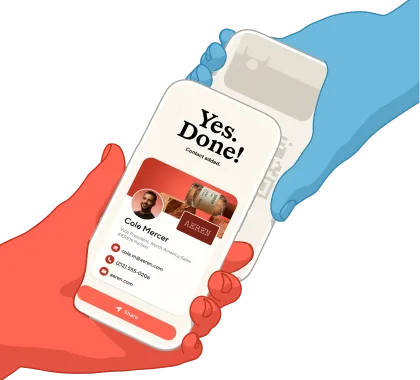
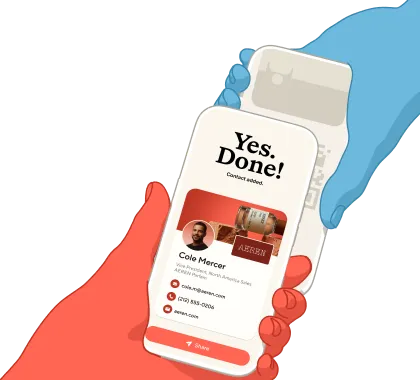
The world's top rated digital business card app, now on your wrist. Share your digital business card, capture notes with AI, and nail every follow-up.
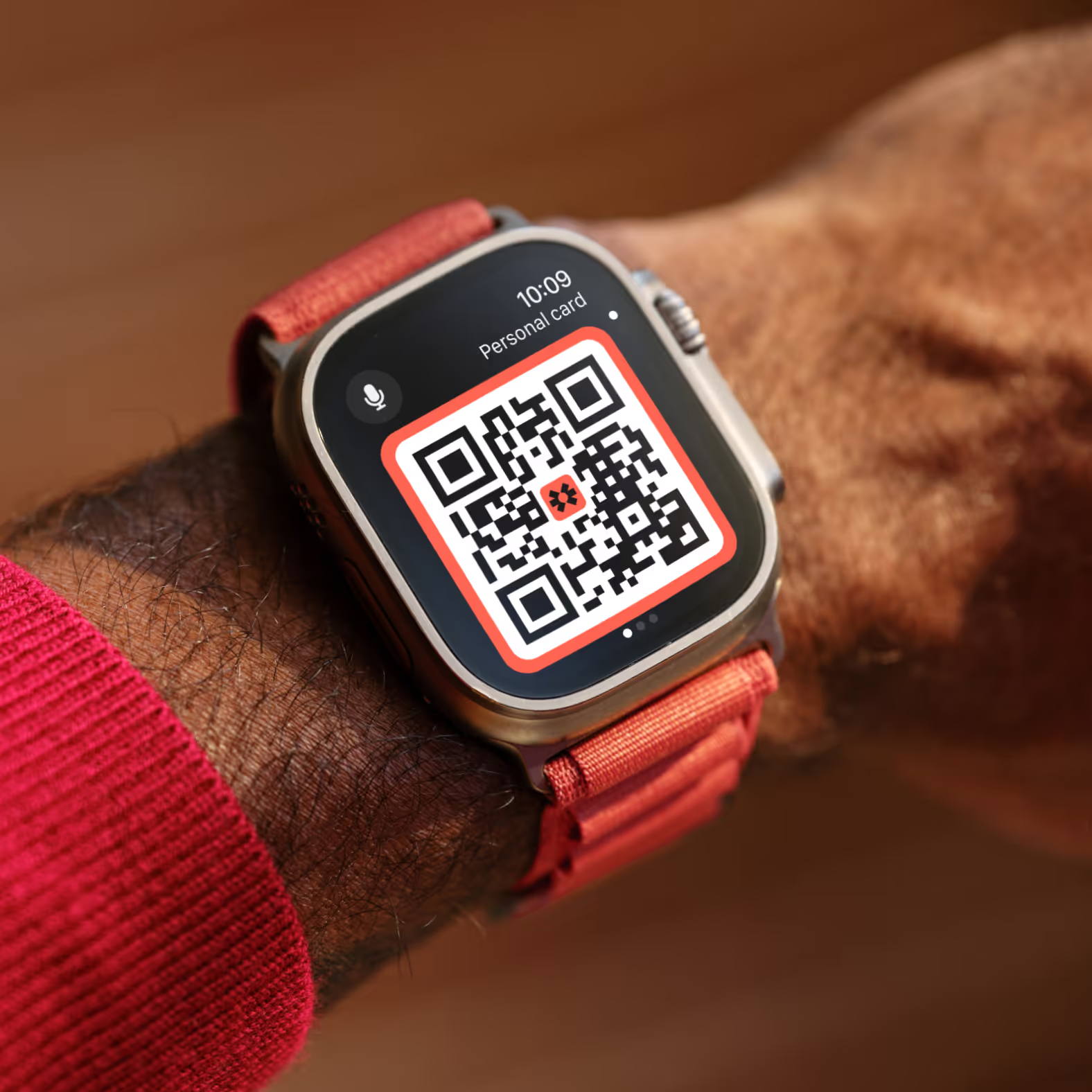
Add all your digital business cards to Apple Watch and Android Wear, so you’re always ready to connect.
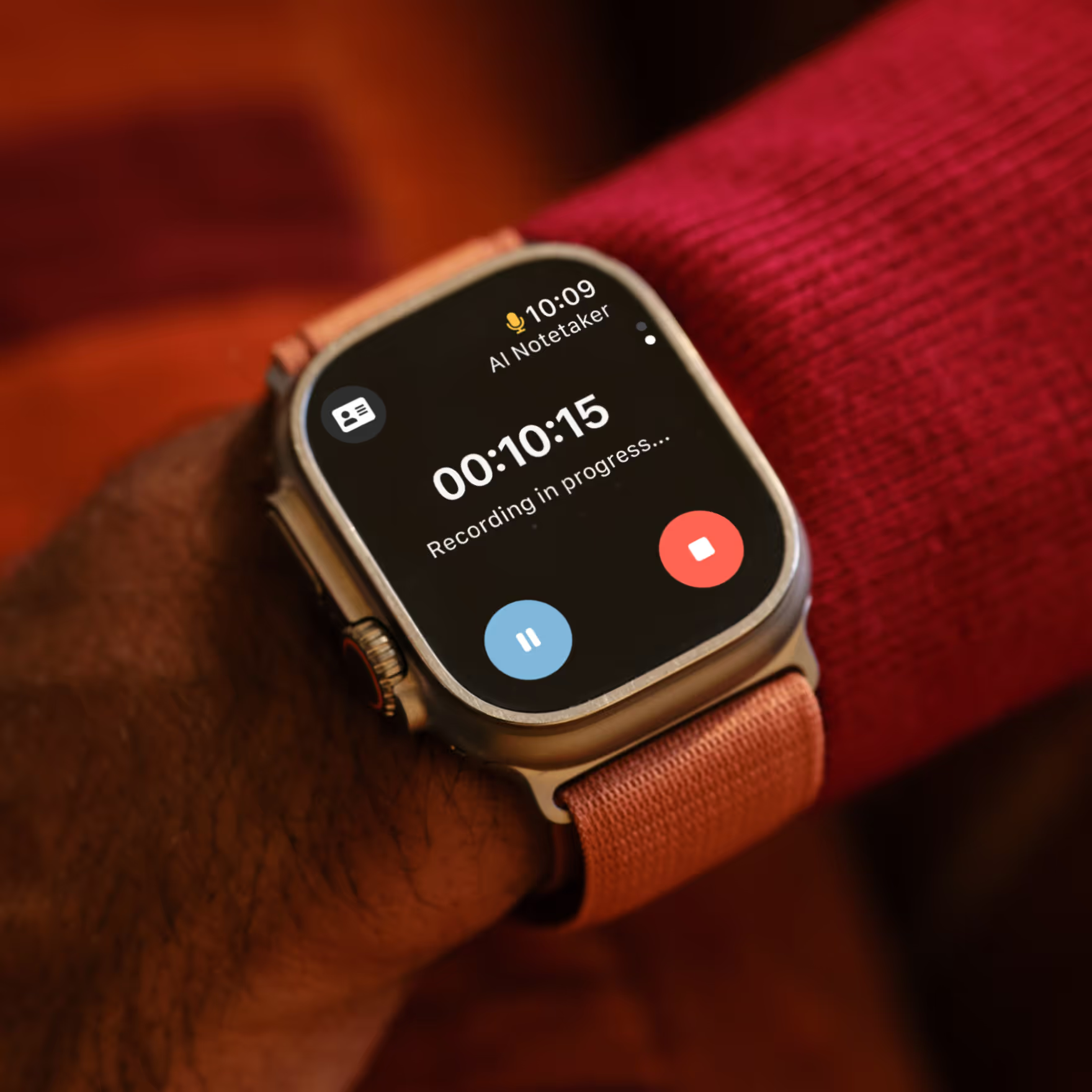
Record meetings from your wrist. AI Notetaker summarises key points and actions and saves everything to the contact.
Sometimes a phone gets in the way. Share details and record context from your wrist to keep conversations natural and fluid.
Add Blinq to your watchface to share your QR code with a single tap. So you can keep the conversation going without the interruption of your phone.
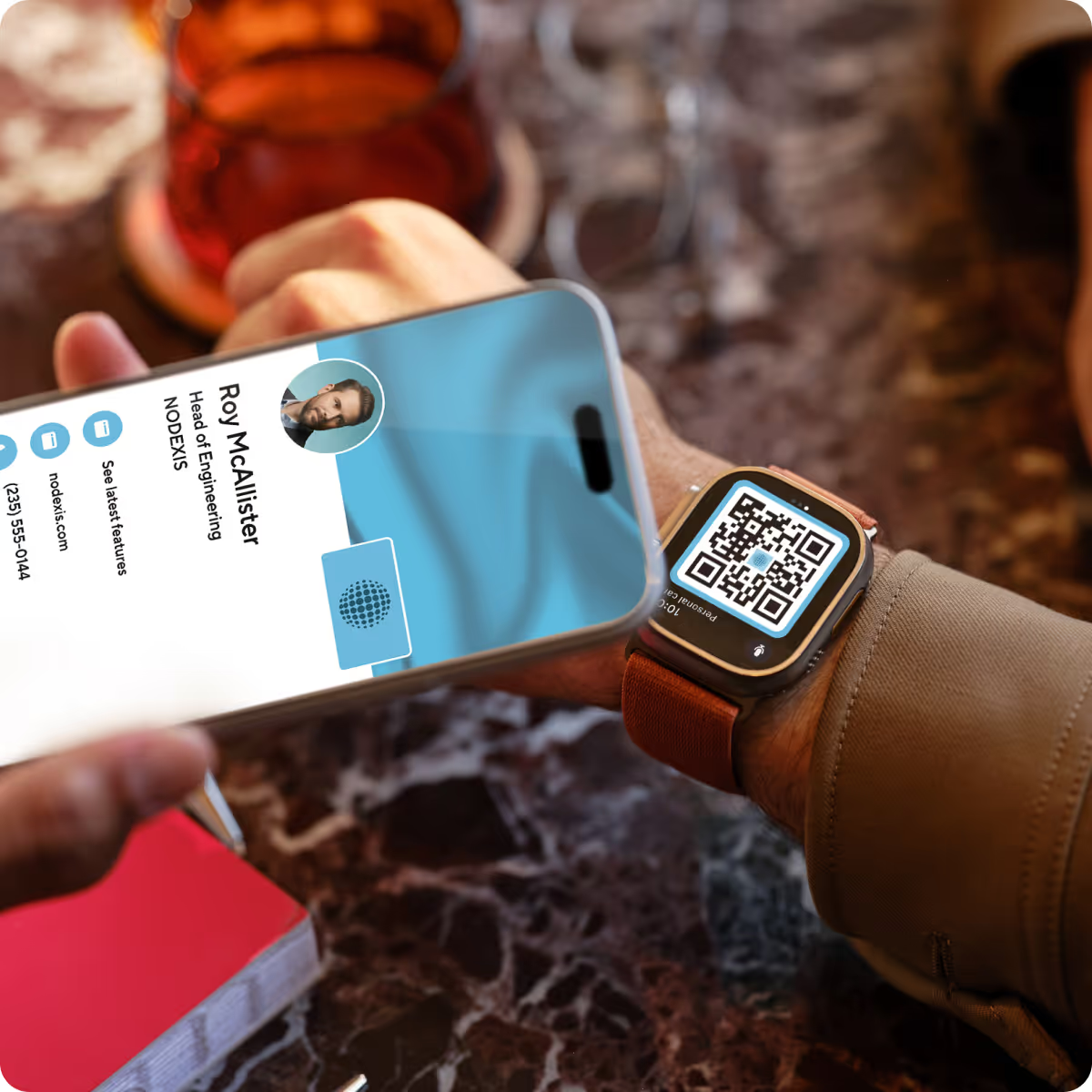
With Blinq on your Apple Watch or Wear OS watch, once everyone's agreed, a single tap starts an AI note for your meeting. It's faster and closer to the conversation than your phone, and summary notes and actions get saved automatically with the contact. So when it's time to follow up, you've got everything you need.
This quick video tutorial walks you through the steps to get Blinq on your Apple Watch. Here are the 3 steps for reference:
1.
Make sure you have the latest versions of the Blinq app and the Watch app.
2.
Open the Watch app and install Blinq under ‘available apps’.
3.
In the Blinq app, open the menu and tap on ‘get the Apple Watch app’ to pair it.
Stay open to every opportunity with Blinq: swap details, capture context and keep track of every new contact all in one place.
.avif)