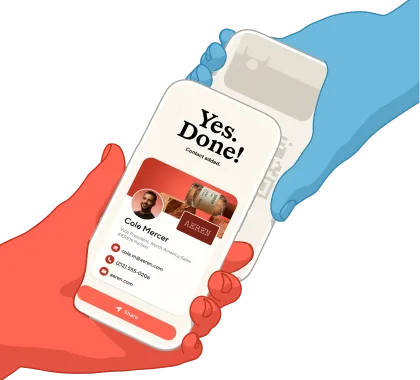
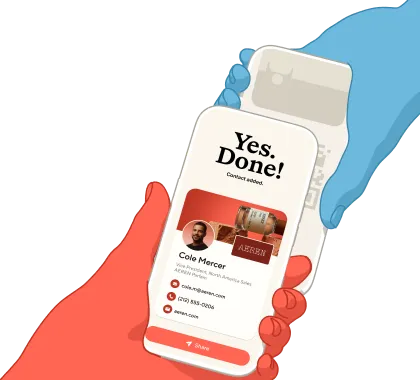
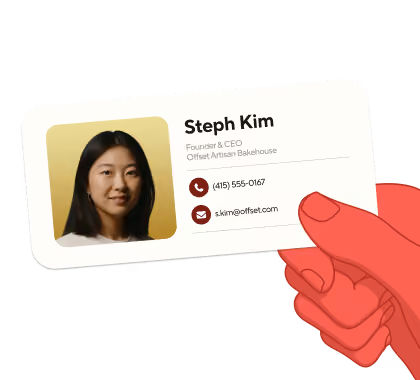
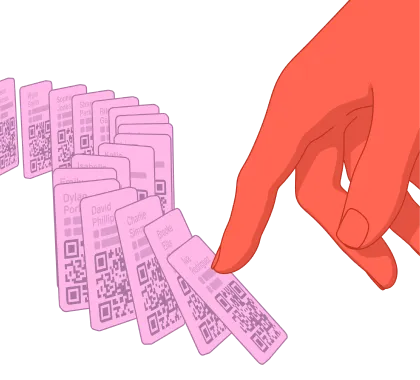
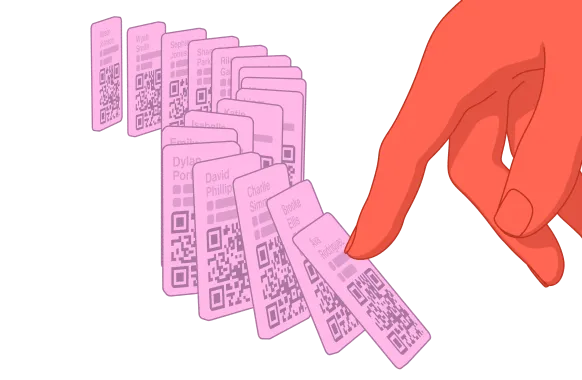
Add your digital business card to your Apple or Google Wallet and it’ll be ready to share whenever you are.
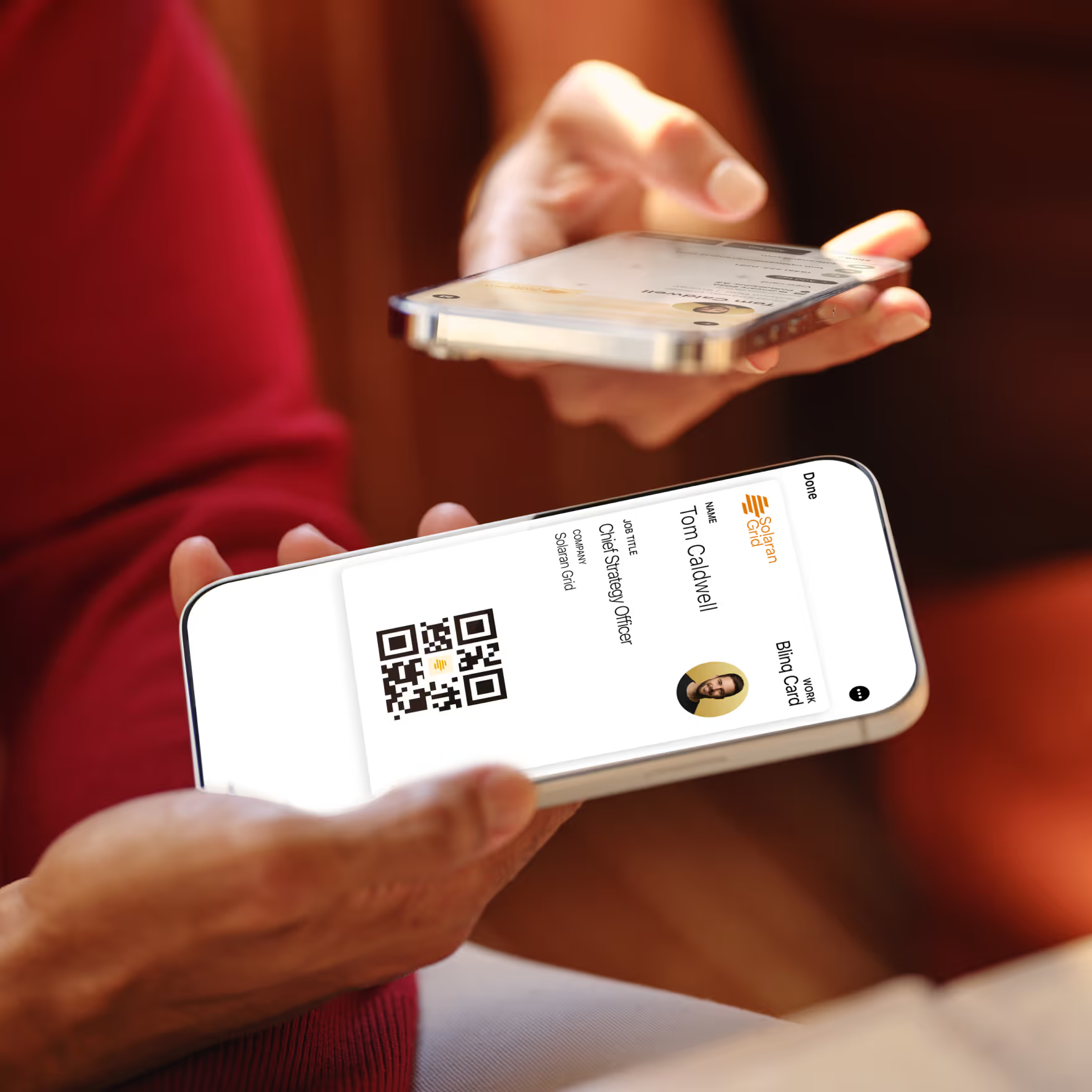
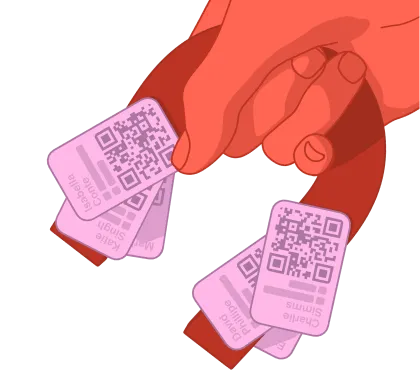
There’s no limit to how many Blinq cards you can add to your wallet.
Find your Blinq card right next to your other passes and payment cards: essentials in one place.
Recipients don't need the Blinq app to receive your card – your details get saved straight to contacts.
With your Blinq card right there in your wallet, you can turn that first coffee into a shared connection that leads to something more.

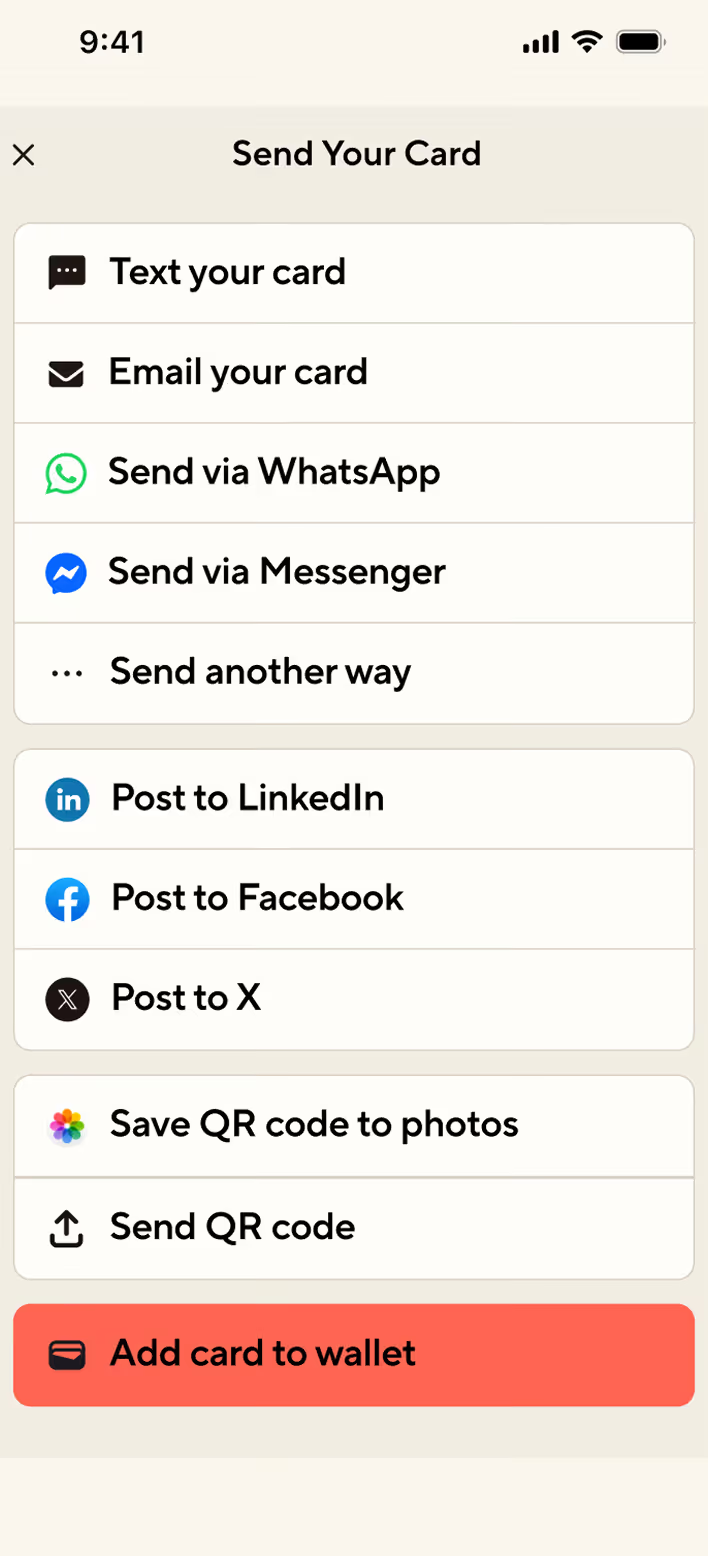

Select the card you want to add to your Apple or Google Wallet and tap ‘send’.
Scroll down to ‘Add card to wallet’. When you see the card preview, tap ‘add’.
Open your wallet app to start sharing.
Give your Blinq card its rightful place among the other essentials for life.

Yes! You can add any Blinq digital business card to your Apple and Google Wallet - just follow the instructions above to get started.
As many as you desire, all your Blinq digital business cards can be added and will stack together in the wallet app. Adding all your Blinq digital business cards makes access super accessible, allowing you to share your details quickly and get back to the important stuff.
You absolutely can, the Apple and Google Wallet feature is available to all users meaning your team can share their details whichever way works best for them! If you want to find out more about how this can work for your team, check out Blinq Business here.
.avif)