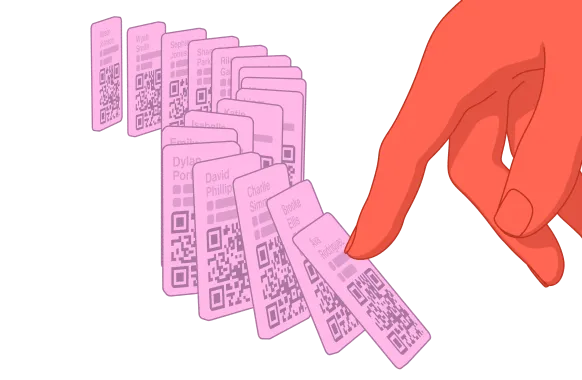
Share your digital business card from your home screen widget

Add a Blinq widget to your smartphone and always have your digital business card one swipe away.
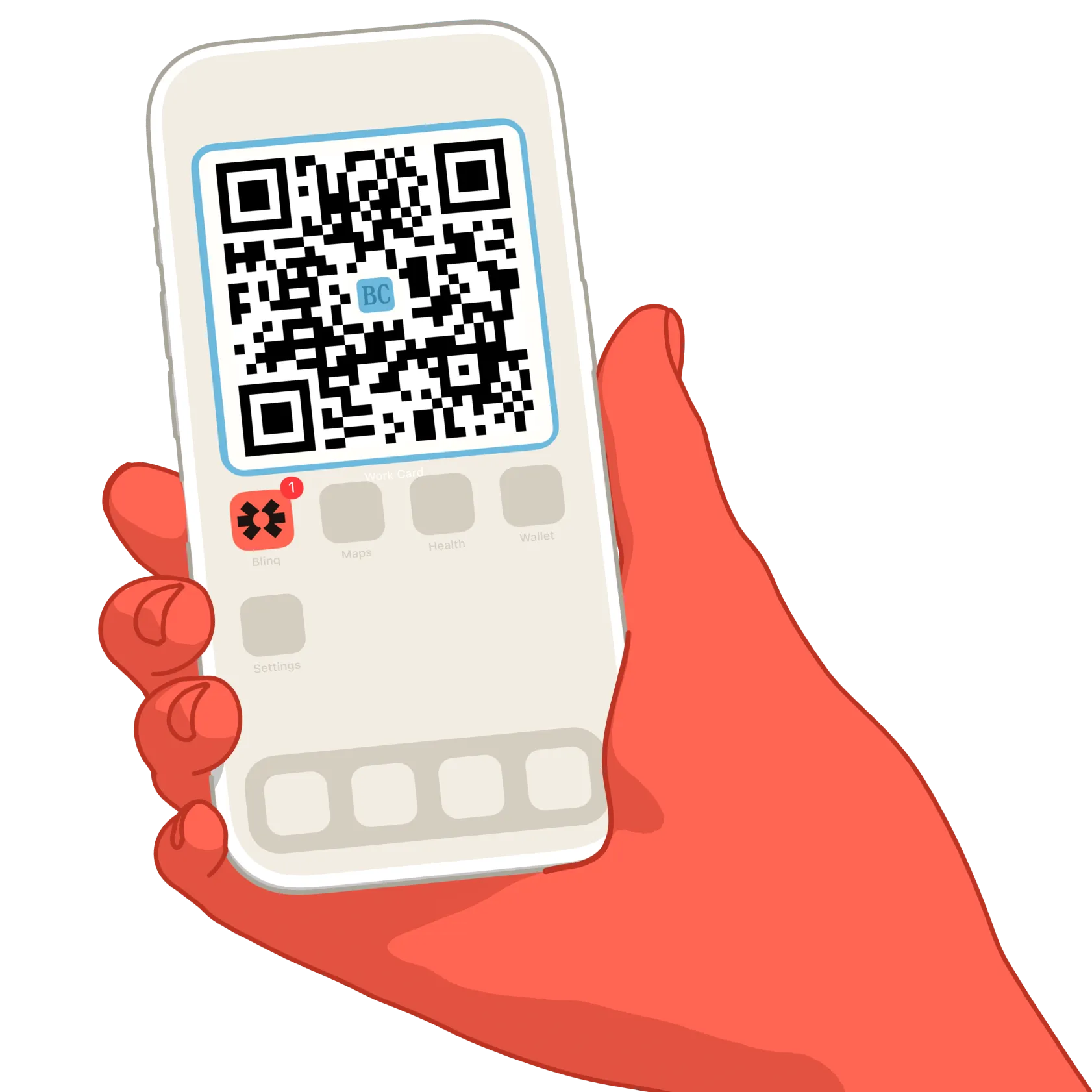
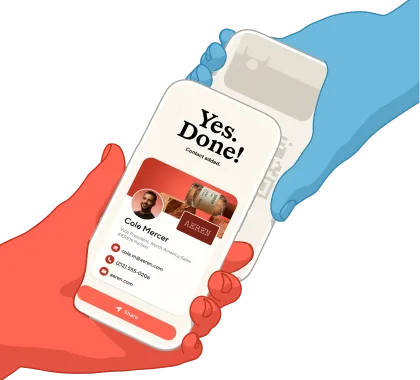
Illustration of a red hand holding a smartphone displaying a digital business card for Steph Yeo, Head of Product at Tele Systems, with contact info and a share button.
All your cards

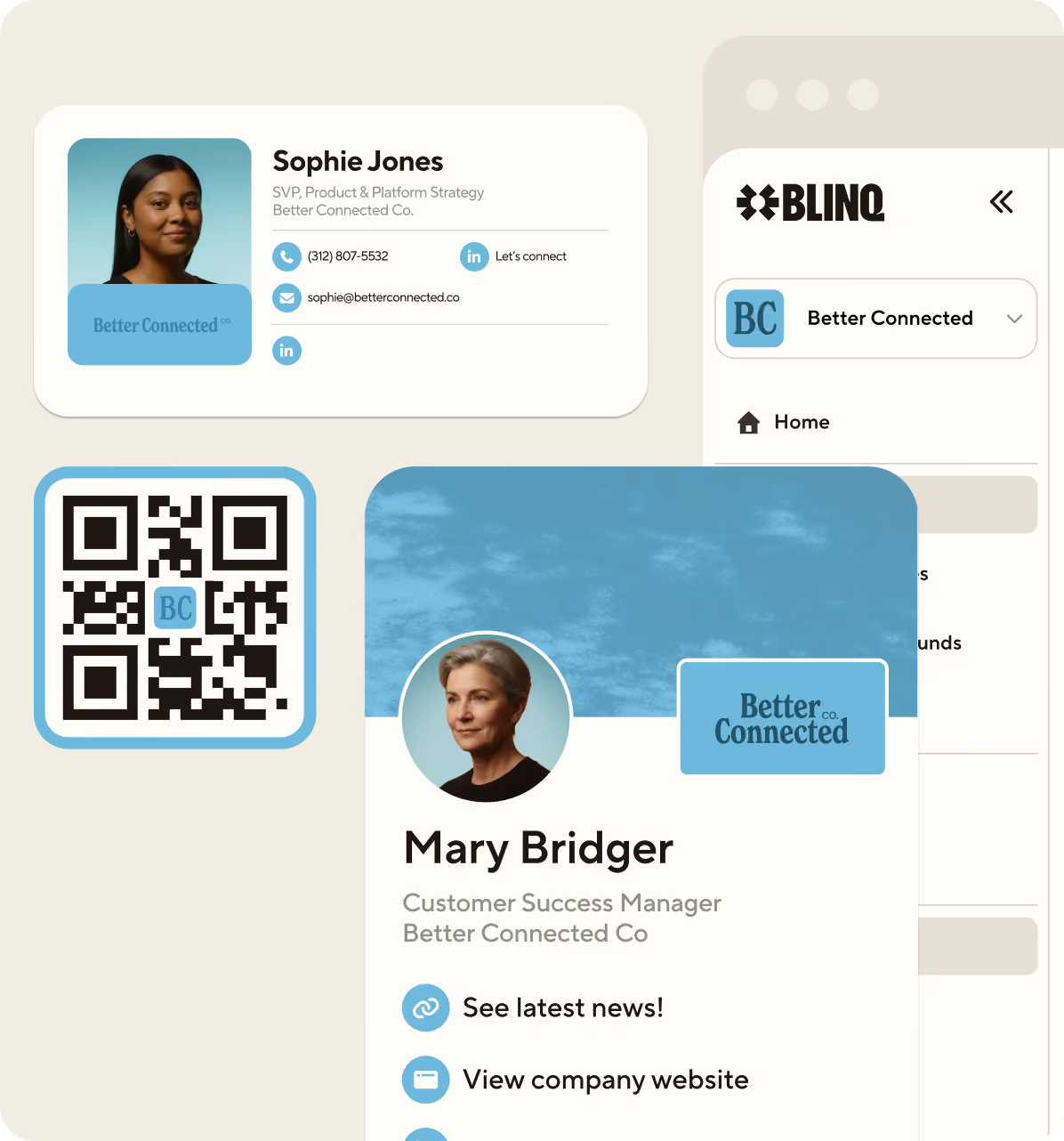
All your digital business cards are available as widgets.

On your lock screen

Add the widget to your lock screen to connect without even unlocking your phone.

Fast and simple

Recipients don't need the Blinq app to receive your card – your details get saved straight to contacts.

How it works

On iPhone

Follow the steps or watch this short demo to use a Blinq widget.

Swipe right on your iPhone’s home screen to access the widget screen
Hold down any existing widget and tap edit home screen, then ‘Edit” icon at the top and ‘Add widget’
Locate the Blinq widget, select the size you prefer, tap “add widget” and you’re done
iPhone lock screen widget showing Blinq digital business card with QR code for instant sharing

On Android

Tap and hold the Blinq app on the “All Apps” screen
Tap on “Widgets”
Drag and position the Blinq widget in your home screen and adjust its size
Android
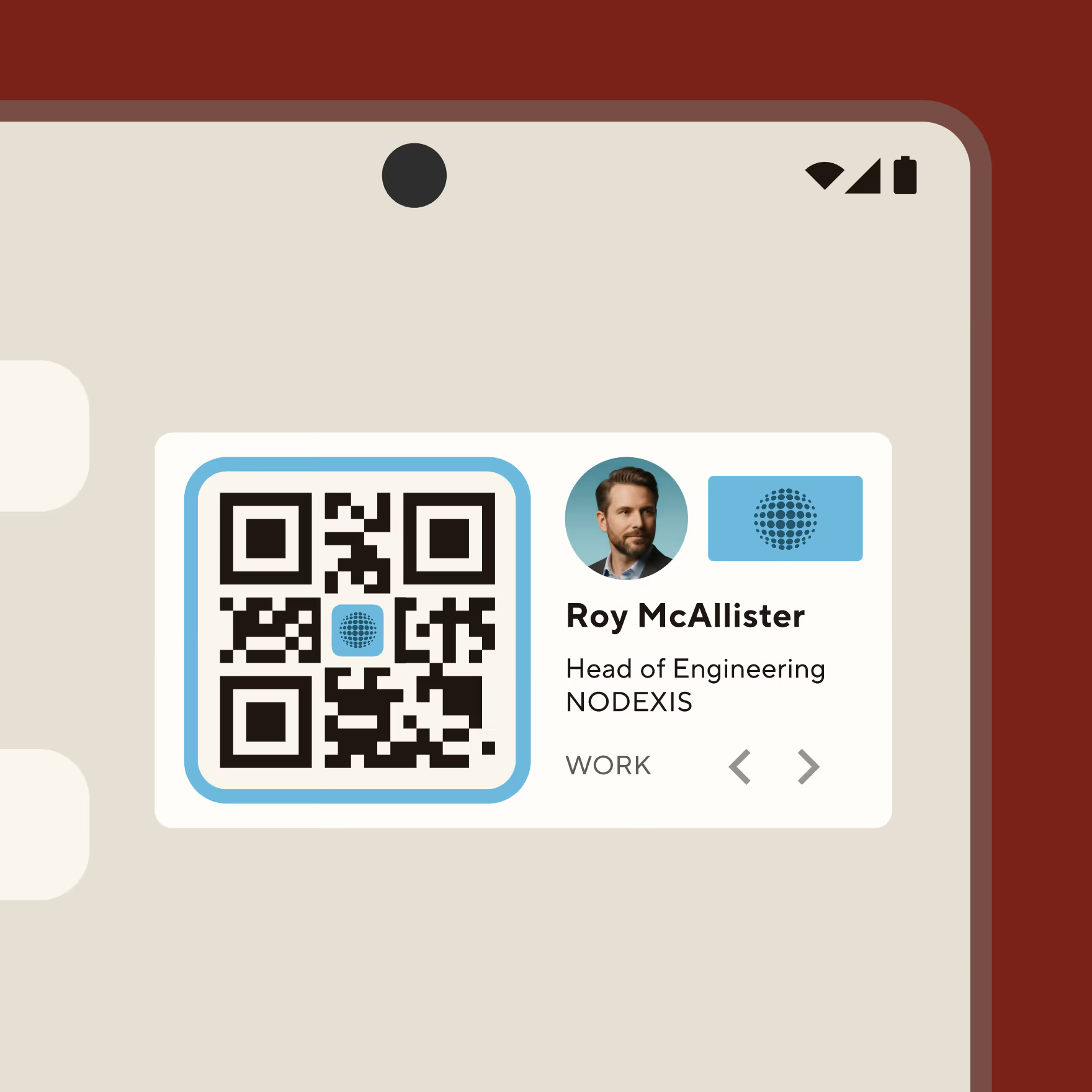
Android home screen widget displaying Blinq digital business card with profile photo and QR
For contacts that stay in contact

Use Blinq to share who you are, capture crucial context, and never let a good person pass you by.
Create my card
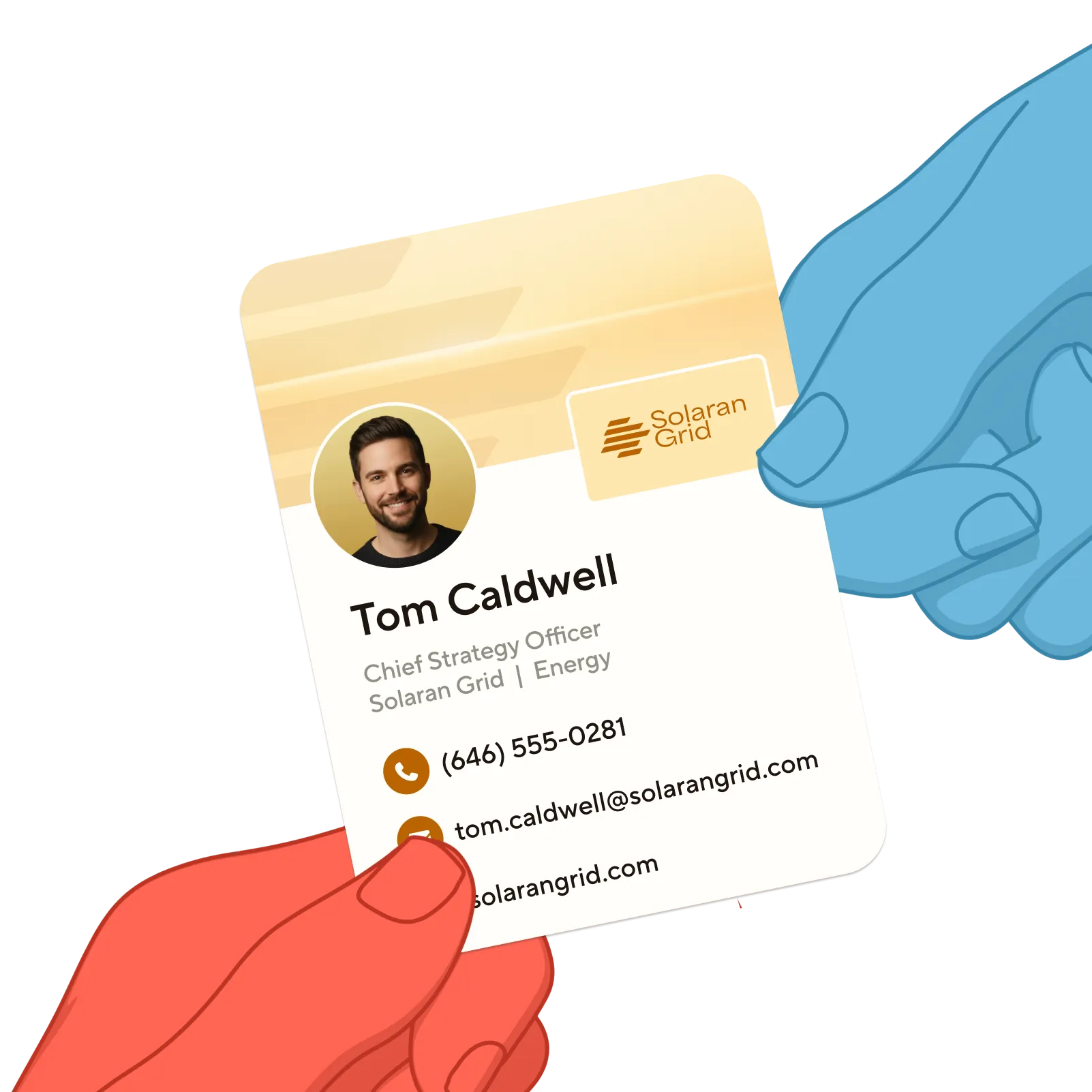
Business card held by two hands with colored skin tones, showing Tom Caldwell as Chief Strategy Officer of Solaran Grid with contact phone and email.