

.avif)

Every lead lands in your Salesforce the second you capture it, context and all.
Our Salesforce native integration is live - built and maintained by Blinq, with real-time sync in seconds, your own field mappings, and the full context of every conversation attached to every contact.
Key Takeaways (TL;DR)
- Blinq's Salesforce native integration is built and maintained by Blinq - no third party in the middle
- Contacts sync in real time, in seconds, so reps can follow up while the conversation is still warm
- Tags, notes, AI Notetaker summaries, and campaigns land alongside every contact
- Field Mapper lets you configure your own field mappings to match how your Salesforce is set up
- Connect Salesforce alongside HubSpot, Dynamics, and the rest
The problem: leads go cold in the gap between the booth and your CRM
If your team runs events, you know the pattern. Leads captured at booths sit in spreadsheets, flaky third-party syncs, or someone's notes app, while reps spend the week after the event reconciling rows in Salesforce. By the time a contact lands in the CRM, the moment is cold - and the rep working it has no idea what was actually said.
Event lead capture is only half the job. The other half is getting every lead, in your CRM, fast enough and complete enough to act on. That's what this integration is built for.
Every lead in your Salesforce the moment you capture it
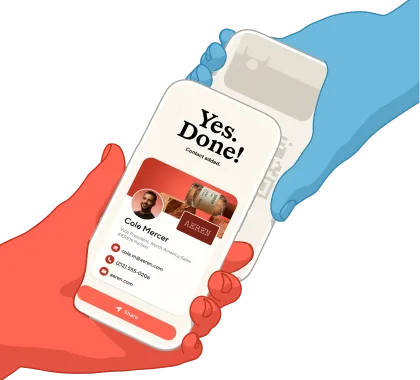
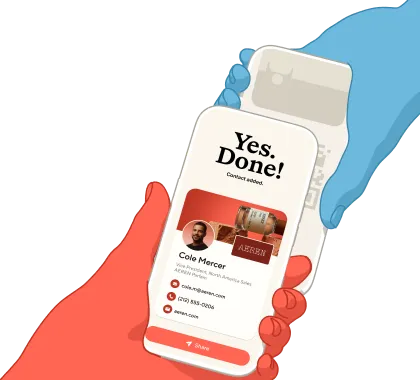
Scan a badge, exchange a card, or capture a contact at the booth - it's in your Salesforce in seconds, not minutes. No batch exports, no CSVs, no waiting on a sync queue.
That speed matters because follow-up timing matters. When a contact appears in Salesforce while your rep is still on the event floor, the team back home can start outreach before the badge cools.
Contacts with context.
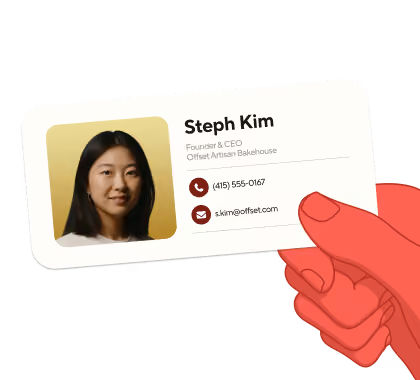
With Blinq's Salesforce native integration, every contact arrives with the context attached: tags, notes, AI Notetaker summaries, and campaigns.
- AI Enrichment completes the record before it syncs - email, phone, LinkedIn, and company details auto-filled.
- AI Notetaker attaches the conversation summaries and next steps to the contact.
Whoever picks up the lead - whether they were at the event or not - knows what was actually said, what the prospect cares about, and why the conversation mattered.
Built and maintained by Blinq
This integration is native: designed, built, and supported by our own team. That means:
- One-click connect. Connect your Salesforce in a simple OAuth flow that keeps you in Blinq the whole way.
- Configure your own field mappings. Field Mapper lets you decide exactly which Blinq fields map to which Salesforce fields, so contacts arrive shaped the way your org expects.
- Leads or Contacts - your call. Admins choose whether new captures are created as Salesforce Leads or Contacts. Blinq matches against existing records and deduplicates on email and phone before creating anything new.
- Campaign linking. Link a Blinq campaign to the specific Salesforce campaign it belongs to, so attribution is right from the first scan.
- An integration team that answers to you. When something needs attention, you're dealing with Blinq - not waiting on a third party.
Works alongside the rest of your stack
Salesforce joins our family of native CRM connections. Connect Salesforce alongside HubSpot, Dynamics, and the rest, and route each team's contacts where they belong.
Already using our Salesforce integration?
Updating to the native integration takes about two minutes - no migration, no setup calls. Reconnect from your Blinq dashboard and your contacts keep syncing, now faster and with full context.
Get started
The Salesforce native integration is available now.
New to Blinq? Get Blinq Business or book a demo to see it live.
Read more about Blinq's event lead capture solution and our integrations.


