



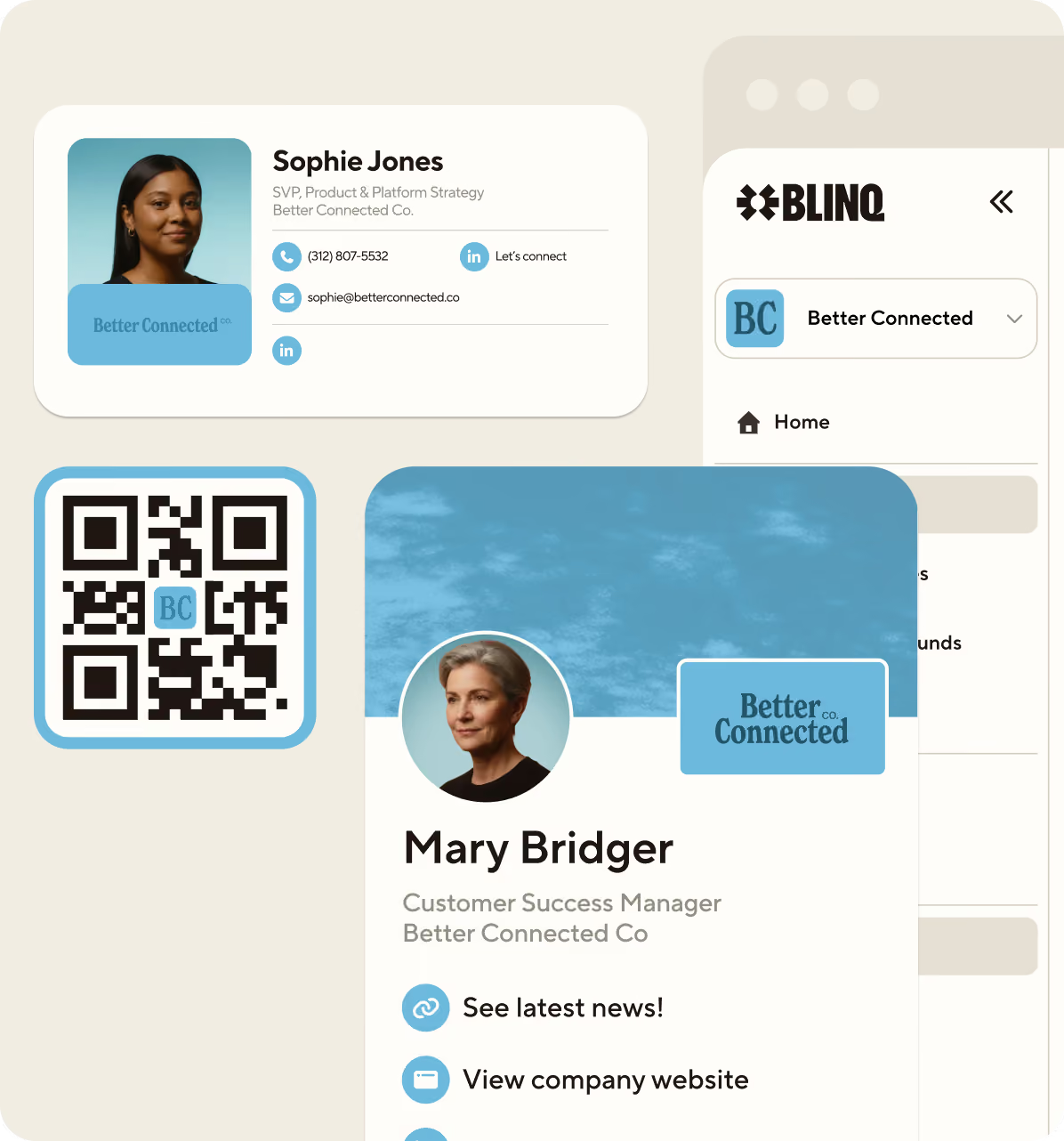
.avif)
![How to create an NFC Business Card [Quick & Easy]](https://cdn.prod.website-files.com/617ac0d059899a69fd8216ec/6195eabc1a46d4d6f041b3d4_author%20headshot.avif)
Key Takeaways (TL;DR)
Here at Blinq, we’ve got some pretty neat physical business cards. They let you share your contact details with someone by just tapping them on your contact’s phone. We call them NFC Cards and they’re bound to impress your network!
Want an NFC Business card of your own? Read on to find out more.
In this guide we'll cover:
- What is a NFC business card?
- How to make an NFC Card
- How much does an NFC Business Card cost?
- Frequently asked questions about NFC Cards
- How does a NFC business card help you network?
- What makes a good NFC business card design?
What is a NFC business card?
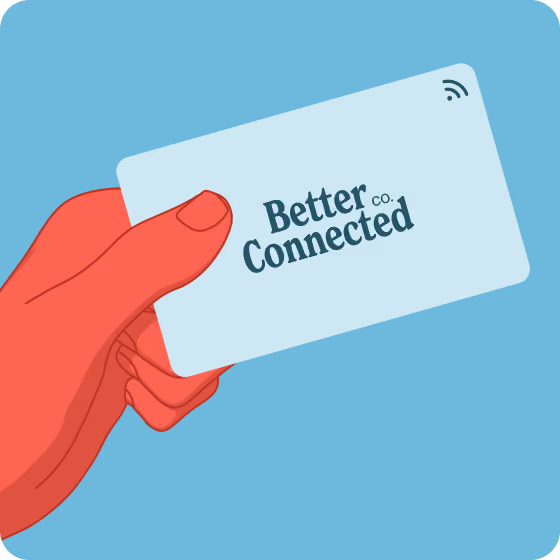
NFC or ‘Near Field Communication’ business cards are embedded with a chip that can be connected to your Blinq digital business card. Depending on where you are in the world, you might hear them called NFC name cards, NFC visiting cards, or RFID cards (radio frequency identification). Without getting too technical, NFC is a specialized type of RFID designed for short-range, tap-style sharing.
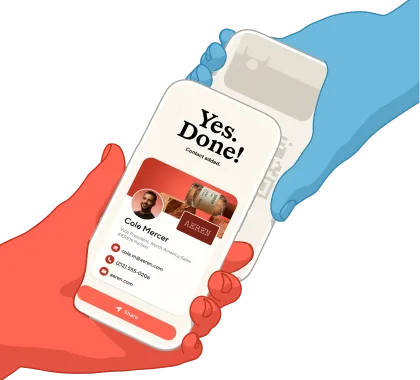
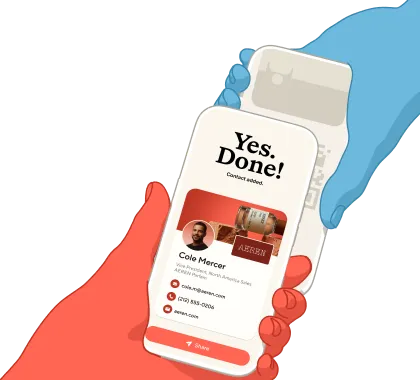
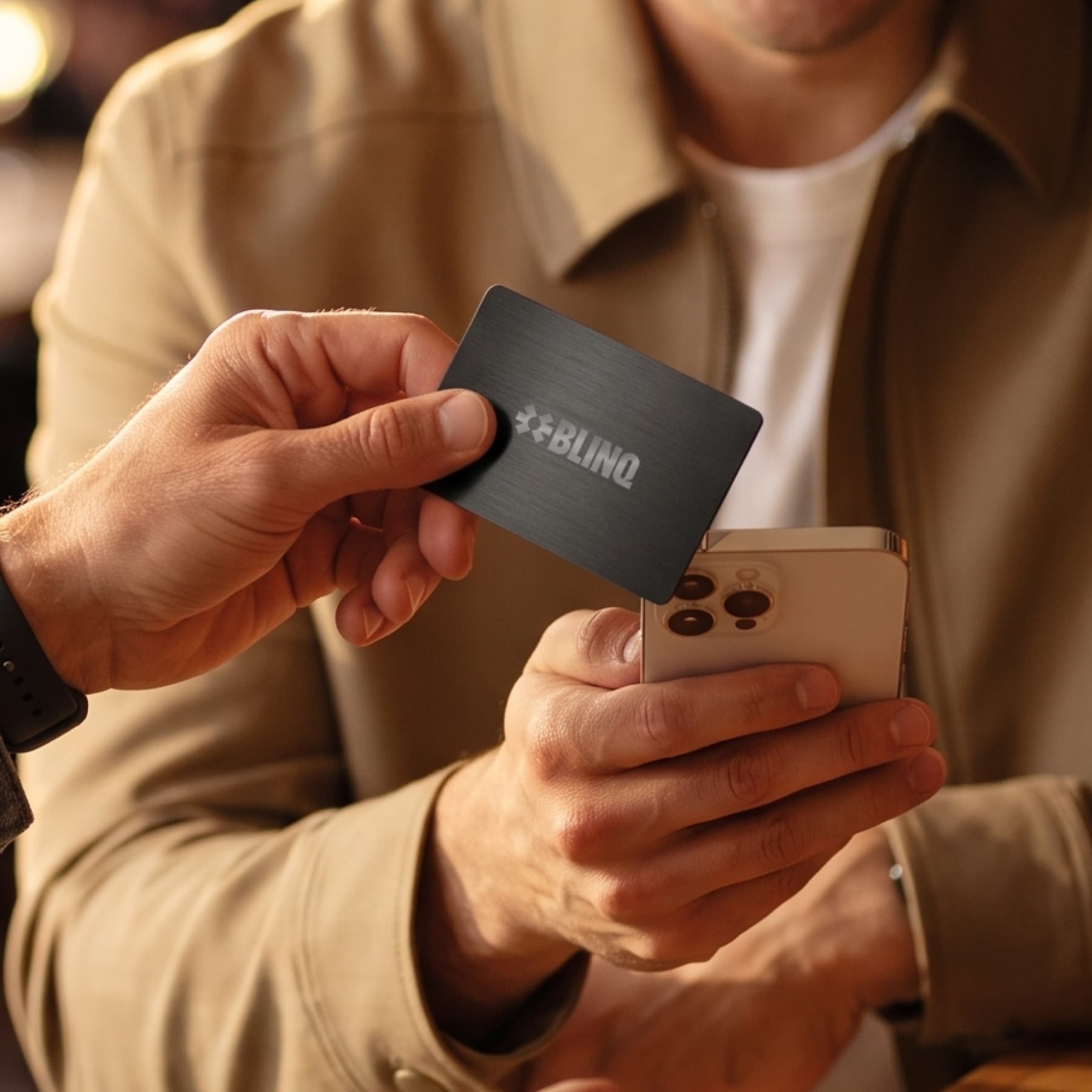
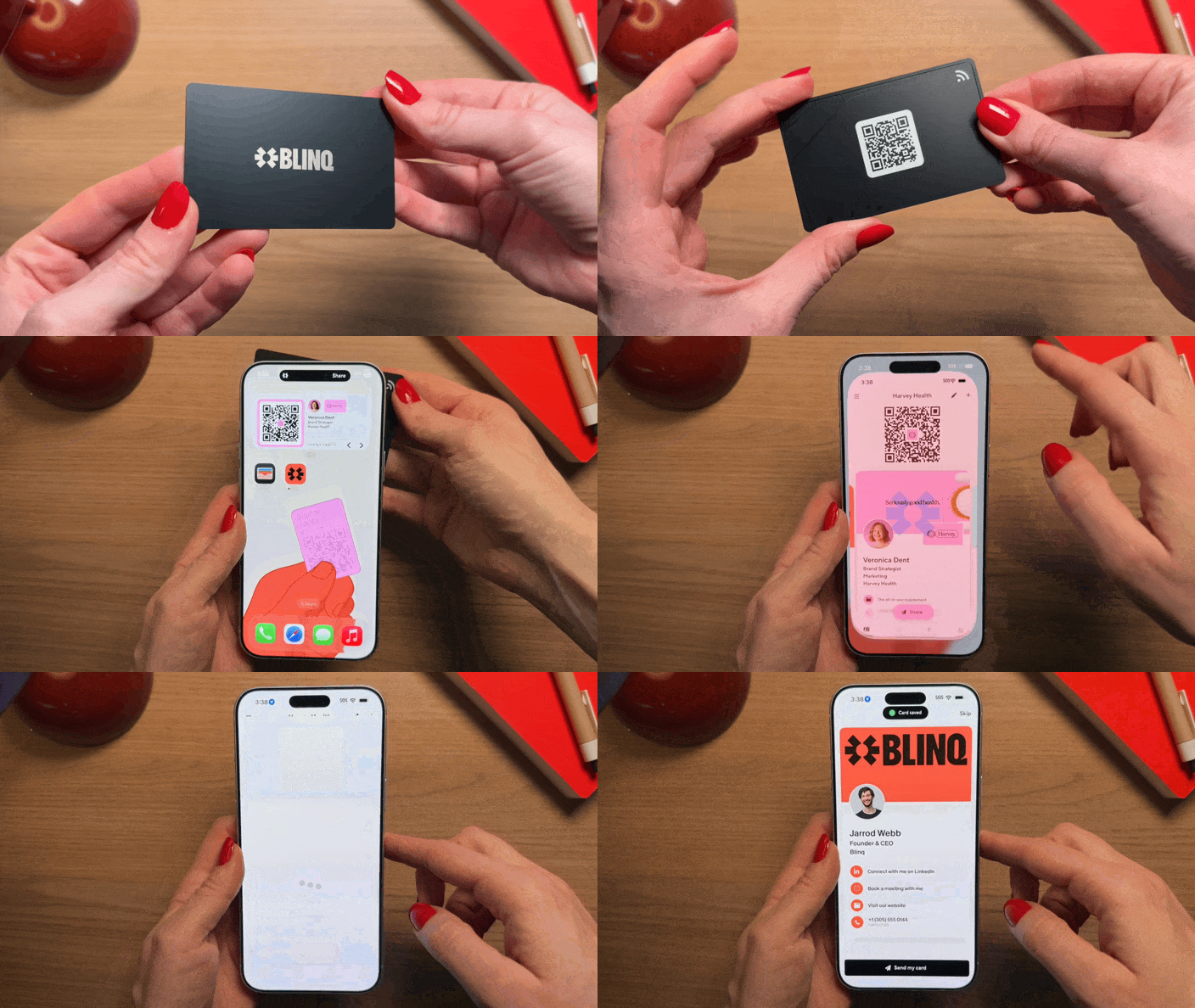
So how do NFC business cards work? When you want to share your details, tap your card on your contact's smartphone. A link to your Blinq card appears on their screen, they save your details in a couple of taps, and they can share theirs back. It really does feel like magic.
You can buy NFC cards on our website. Already have an NFC tag, card, or wristband from another provider? You can pair your own NFC accessory with your Blinq card instead. These NFC tag business cards work the same way once paired. So if you're not happy with the software that came with your NFC device, no problem. You can rewrite that NFC business card or tag with your Blinq digital business card in just a few steps.
A digital business card paired with an NFC business card gives users the ability to share who they are, with anyone, wherever they go. When paired with a virtual business card, an NFC business card will quickly become a key part of your networking toolkit.
What's more, your recipient doesn't need any app installed to receive your details or share theirs back with you. Just tap your NFC card on their smartphone and a link to your digital business card automatically appears on their screen. Every Blinq card also comes with a QR code printed on it, so even a phone without NFC can scan you in.
A couple of tapping tips. iPhones (iPhone 11 and newer) read NFC through the back of the phone, near the camera, so hold your card there. On Android, the NFC reader sits in the center of the back of the device, so tap your NFC card there instead.
Remember, you can also share your Blinq card from your iPhone or Android phone, your Apple Watch, a home screen widget, QR code, Apple Wallet or Google Wallet pass, text, email and more.
How to make an NFC Card
You can create an NFC business card in three steps, starting on our NFC business cards page:
- Create your free Blinq digital business card (every account comes with two free cards)
- Choose your NFC card: Choose from our standard, metal, and wooden cards, or opt for a custom card designed and ordered through the Blinq shop
- When your card arrives, pair it to your Blinq card in the app and start tapping to share
Prefer the DIY route? Here's how to program NFC business cards yourself using an accessory you already own:
- Open the Blinq app and go to Settings
- Tap "Pair NFC" and follow the prompts
- Hold your writable NFC card or tag to your phone, and Blinq encodes your digital business card onto it
That's all it takes to make a DIY NFC business card. Because NFC chip business cards store a link rather than fixed contact details, you can update your Blinq card whenever your details change and your NFC card keeps working. There's nothing to reprint or re-encode.
How much does an NFC Business Card cost?
A Blinq NFC card costs between $19.99 and $60 depending on the card you choose: $19.99 for the standard card, $24.99 for wooden, $34.99 for metal, and $60 for a fully custom design. Bulk pricing is available on orders of 20 cards or more.
Blinq NFC Business Card: $19.99
Our standard card, and the quickest way to get tapping. Order this NFC business card via our website, pair it with your digital business card, and start sharing as soon as it arrives. A QR code printed on the card covers phones without NFC.
Blinq NFC Metal Business Card: $34.99
The metal card looks and feels the part when the moment calls for something a little more substantial, and it taps to share just like the rest of the range.
Blinq NFC Wooden Business Card: $24.99
The wooden card stands out in a stack of plastic: an eco-friendly option with the same tap-to-share chip inside.
Blinq Custom NFC Business Card: $60
Our custom card is an NFC business card in exactly the style you want. Design it in the built-in customizer: upload your logo, pick your colors, choose from the available fonts, and preview exactly how the finished card will look before you order. No design software needed, though our design articles below can help you plan a card that pops.
We also offer bulk pricing on orders of 20 cards or more, along with design support for teams. Email support@blinq.me with the subject "Bulk discount", or contact the Blinq team with any questions.

For help planning a custom card design that pops, see our articles:
- How to Design an NFC Business Card with Adobe Photoshop
- How to Design an NFC Business Card with Adobe Illustrator
Frequently asked questions about NFC Cards
Does the other person need the app for the NFC Cards to work?
No. The person doesn’t need the app for the NFC cards to scan. They simply need an NFC compatible phone.
Do you need to pay for a Blinq subscription for the NFC cards to work?
You don’t have to be a Blinq Premium or Blinq Business member for the NFC Cards to work. You can simply buy the NFC cards on their own and use one of the 2 free digital business cards that you get with your account.
A Blinq Premium subscription gives you more cards, more customization, and extras like adding your company logo to your QR code. Prices for Blinq Premium start at $7.33 a month, billed annually.
Once I order a card, how long will it take to arrive?
Custom cards are printed, encoded, and shipped within 2 business days of your order. From there, delivery typically takes 5 to 10 business days in the US and 10 to 20 business days internationally, and US shipping is free on orders over $60.
I’ve seen metal cards advertised before. Does Blinq do metal cards?
Yes. The Blinq NFC Metal Business Card is available now for $34.99. It has a premium weight and feel, with the same tap-to-share chip as the rest of the range.
How can I make NFC business cards for my team?
Businesses can sign up for Blinq Business which allows administrators to create and manage unlimited virtual cards for their teams from a unified dashboard. You can also see more of Blinq’s great features on our YouTube channel.
Ordering NFC business cards for a team is straightforward:
- Set up your team's digital business cards in your Blinq Business dashboard
- Order the NFC cards you need from our website, or design a custom card in the Blinq shop
- For orders of 20 cards or more, email support@blinq.me and our team will arrange bulk pricing and design support
How does a NFC business card help you network?
There are several ways that an NFC business card can improve your networking experience and make sure you always stand out from your competitors.
Share the magic
Picture the scene, the pitch is coming to a close, your team have slogged away to build a fantastic deck and you don’t want to walk away empty handed. Those around the table stand to say their goodbyes, “do you have a card?” the lead client says.
In the past, you would hand over a piece of paper with your name on it, but not this time.
“Sure” you reply, you produce your Blinq NFC business card and tap it on the top of the client’s iPhone. They look amazed, your digital business card link opens in an instant. Amazement turns to admiration as they save your details straight to their device, “Where did you say you got that again?”
Be prepared
Weaning teams (and execs) off expensive and not to mention unsustainable paper cards can be a challenge. Offering NFC business cards can be the bridge you need to get them on-side.
Your team really can have it all, both top rated digital business card software PLUS a physical card they can carry with them and share how they like with clients. Whatever the occasion, you know they will be prepared.
Build your brand
With a Blinq custom card, you can design your NFC card any way you like, and your logo is included as standard.
Build your card in the online customizer with your brand colors and logo, and use the on-screen preview to see exactly what will be printed before you order.
For larger teams, orders of 20 cards or more come with bulk pricing and design support: email support@blinq.me and we'll help you get every card right.
Reusable
Our NFC business cards are made from durable PVC plastic with a UV printed finish (or metal and wood, if that's more your style), built to be shared over and over again. Don't invest in another run of paper business cards that will invariably end up in landfill.
What makes a good NFC business card design?
Designing a strong NFC business card design has a few key elements which will help you make a strong first impression.
Contrast and size matter
We don't recommend using a font size below 10. This tip is mainly for custom card designs, since our standard, metal, and wooden cards come ready made.
If you're using a solid color background for your NFC business card design, make sure the other elements contrast well against it. Will dark blue be visible against a black background? How will bright yellow show up on white?
Remember, colors can come out slightly differently in print than they look on screen. They'll be very close, but it pays to dial up the contrast in your design.

Where does the magic happen?
Unlike a traditional paper business card, the sharing happens when you tap your contact's smartphone, not when they squint at eight point type. The card itself is a conduit, which gives you far more freedom to use a design that truly captures your brand.
That could be your brand color as a full block, or maybe, just maybe, your logo made extra large.
Use your NFC business card to share what makes you or your business unique.
Share your contact details with a single tap with Blinq NFC Business Cards